
How Do You Build a School Budget? A Step-by-Step Guide for Finance Teams
A practical, step-by-step walkthrough for school and university finance teams — from enrolment assumptions through to Board sign-off.
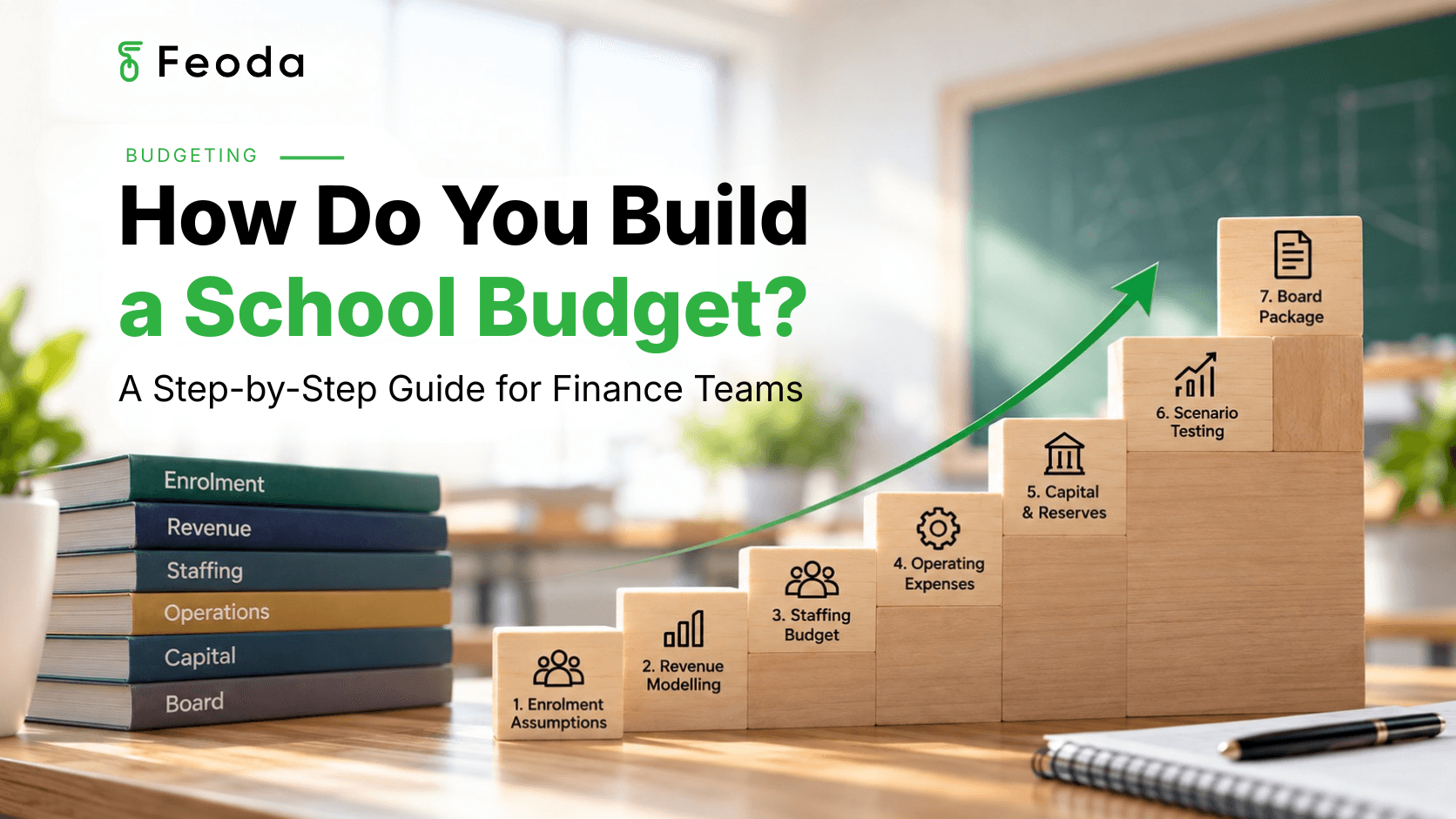
Building a school budget follows a repeatable sequence: confirm enrolment assumptions, model fee and grant revenue, build the staffing budget, set operating expense budgets, plan capital expenditure and reserves, stress-test the model with at least one scenario, then prepare the Board package. Each step depends on the one before it — enrolment numbers drive revenue, revenue and staffing drive the operating envelope, and the whole model needs to survive a changed assumption before it reaches the Board.
Key Takeaways
- A school budget is built in a fixed sequence — enrolment and revenue come first, because almost everything else is modelled against them.
- Scenario testing works best as a built-in step, not something squeezed in the week before the Board meeting.
- Most of the time in budget building goes into consolidating and re-checking inputs, not deciding on the numbers themselves.
It's the first week of budget season, and the business manager opens a blank template without quite knowing where to start. Enrolment numbers from the registrar haven't landed yet. Last year's workbook has categories that don't fit this year's structure. The Principal wants a first draft in three weeks, and half of that time will go into chasing numbers rather than deciding what they mean.
Building a budget from scratch each year, under time pressure, is what makes the process feel heavier than the financial decisions inside it actually are. A clear sequence doesn't remove the work — but it stops the same assumption being rebuilt three times before it reaches the Board.
How Do You Build a School Budget, Step by Step?
Most school and university budgets are built in roughly the same order, because each step depends on the output of the one before it:
- Confirm enrolment assumptions — projected enrolments by year level and cohort, including expected attrition and new enrolments.
- Model fee and grant revenue — apply fee increases by category, add grants and boarding income, reconcile against enrolment.
- Build the staffing budget — salary and wage costs by role, enterprise agreement increases, casual and relief staffing.
- Set operating expense budgets — utilities, maintenance, curriculum, professional development and technology, by department.
- Plan capital expenditure and reserves — capital projects against the asset register, depreciation, contingency allocations.
- Stress-test with at least one scenario — change a key assumption and see how the whole model responds before the Board does.
- Prepare the Board package — translate the model into a Board-ready pack with commentary on what changed and why.
What Does Each Step Actually Involve?
| Category | What It Covers |
|---|---|
| 1. Enrolment Assumptions | Confirm projected enrolments by year level and cohort before any revenue line is modelled — this is the number everything else is built against. |
| 2. Revenue Modelling | Apply fee increases by category, add grants and boarding income, and reconcile the total against enrolment numbers from step one. |
| 3. Staffing Budget | Build salary costs by role and department, apply enterprise agreement increases, and add casual, relief and boarding staffing. |
| 4. Operating Expenses | Set departmental budgets for utilities, maintenance, curriculum, professional development and technology. |
| 5. Capital & Reserves | Plan capital projects against the asset register, apply depreciation, and confirm contingency and reserve allocations. |
| 6. Scenario Testing | Change one key assumption — enrolment, a fee increase, a wage settlement — and see how the whole model responds. |
| 7. Board Package | Translate the model into a Board-ready pack, with commentary explaining what changed since the last version and why. |
Why Does the Order of These Steps Matter?
Enrolment assumptions come first because almost every other number in the budget is modelled against them — fee revenue, staffing ratios, even some operating costs scale with projected enrolment. Staffing and operating budgets come next because they depend on the revenue envelope, not the other way around. Capital decisions usually come last, once it's clear what's actually left to allocate after staffing and operating costs are set.
Doing these steps out of order is rarely a mistake anyone makes on purpose. It happens when a department budget needs to go out before enrolment numbers are confirmed, or when a capital request is locked in before the operating budget is finished. Each one of those is a reasonable response to a deadline — but it usually means revisiting the same numbers again once the assumption underneath them changes.
Where Does Most of the Time Actually Go in This Process?
Very little of the time in budget season goes into deciding what a fee increase should be or how many teaching positions a year level needs. Most of it goes into collecting assumptions from the people who hold them, checking that a changed number has been updated everywhere it appears, and reconciling a department's return against what finance expected to see.
None of this reflects a lack of planning from the finance team. A budget built across a dozen linked spreadsheets simply requires that work — updating a salary assumption in the staffing model means checking whether it's also referenced in the operating budget, the Board paper, and last year's comparison column.
Now Imagine the Version That Works
Imagine each step in this sequence feeding directly into the next, inside one model — enrolment numbers flow straight into revenue, revenue and staffing assumptions are already linked to the operating budget, and changing one figure for a scenario doesn't mean rebuilding three other tabs to match it. The sequence stays the same; the rebuilding in between each step disappears.
That's part of what PULSE is built for: a planning, budgeting, forecasting and reporting platform where each step in the budget-building process draws from the same connected model. Existing workbooks and finance systems stay in place — PULSE keeps the steps linked, so a changed assumption flows through instead of needing to be re-entered at every stage.
Frequently Asked Questions
Most schools allow four to eight weeks from first enrolment estimates to Board approval, though the active working time is usually much less — a large share of that window goes into waiting for contributor returns and reconciling changes.
Stay on Track Through Every Step
Download the School Budget Planning Checklist — a 10-step checklist finance teams can follow from first enrolment numbers through to Board sign-off.