EPM
How Schools Choose Integrated Finance and Billing Software
A practical set of criteria for shortlisting integrated finance and billing software, so the decision rests on fit and effort, not just a feature list.
November 16, 2026
Quick Answer
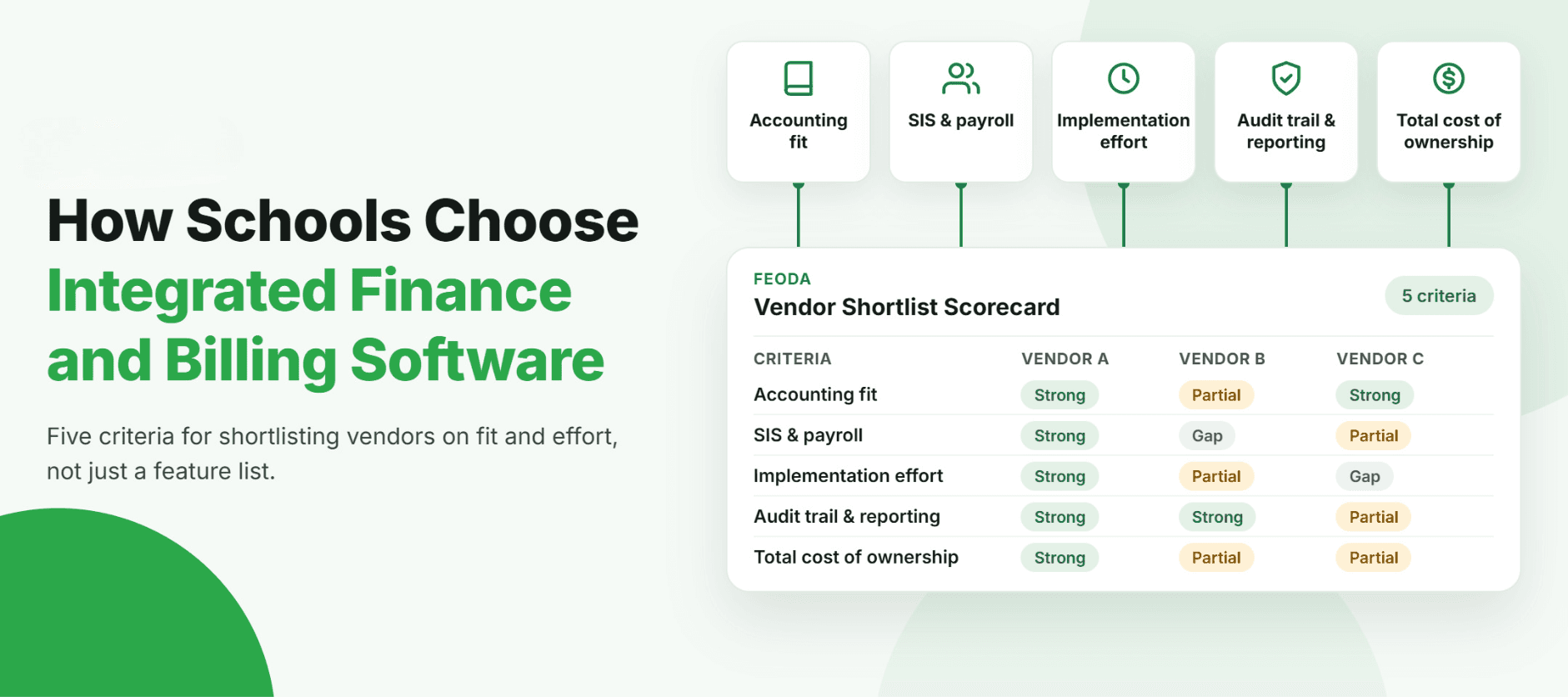
Schools typically evaluate integrated finance and billing software against five criteria: fit with the existing accounting system, compatibility with the student information system and payroll, the effort required to implement, the depth of the audit trail and reporting, and the total cost of ownership over several years. Comparing a shortlist of vendors against the same five criteria, rather than a feature list, is usually what separates a platform that gets adopted from one that quietly falls out of use.
Key Takeaways
- Five criteria decide most integrated finance and billing software decisions: accounting fit, SIS and payroll compatibility, implementation effort, audit trail and reporting depth, and total cost of ownership.
- A feature list is not a selection criterion on its own, because most vendors can demonstrate similar features in a demo.
- Reference calls and a trial using the school's own data usually reveal more than a sales presentation does.
Three vendor proposals sit on the desk, each with a similar set of slides: dashboards, automation, an AI feature, a client logo page. Every demo looked capable. None of them answered the question that actually matters to the business manager choosing between them, which is what happens in the first three months after signing, and what changes in the working day after that.
What Criteria Should Guide the Decision?
| Criteria | What to Check | Why It Matters |
|---|---|---|
| Accounting system fit | Does it work with the school's existing accounting system, or does it require replacing it | Replacing the accounting system is a far larger undertaking than most schools want during an evaluation |
| SIS and payroll compatibility | Can it exchange enrolment and staffing data with the systems already in place | Removes duplicate data entry between finance and other school systems |
| Implementation effort | Can existing workbooks and fee rules be a starting point, and what does the first three months involve | Implementation effort is usually the real determinant of whether a platform gets adopted |
| Audit trail and reporting depth | Does it track who changed what and why, and can it produce Board ready reports directly | Answers a governance question without reconstructing history from memory |
| Total cost of ownership | What does it cost across implementation, licensing, support and ongoing configuration, not just the license fee | The license price alone rarely reflects what a platform costs a school over several years |
Why Isn't a Feature List Enough?
A feature list treats every capability as equally relevant, when in practice a school only needs a handful of them to work well for its own process. Two platforms can list almost identical features and still differ enormously in how much effort each one asks of the school to actually use them.
How Should Schools Run the Comparison?
- Write requirements first, listing what the school needs under each of the five criteria, and marking which are must-haves.
- Ask every vendor the same questions, so the answers can be compared side by side rather than relying on what each vendor chose to present.
- Request a demonstration using the school's own data, such as its actual fee structure or chart of accounts, rather than a standard script.
- Score each criterion consistently, for example zero for not supported, one for partly, and two for fully, and weight the must-haves.
- Check references at schools of a similar size and structure, and ask specifically about implementation, not just the finished product.
What Does Total Cost of Ownership Actually Include?
Total cost of ownership is usually more than the license fee. It includes implementation, data migration, training, ongoing configuration, and the cost of any integration work required to connect to the accounting system, SIS or payroll. A platform with a lower license fee but a longer implementation and more ongoing configuration can cost more over three years than one with a higher license fee and a shorter, lighter implementation.
Now Imagine Comparing a Shortlist on Paper, Not on Memory
Now imagine a shortlist evaluated against the same five criteria, with a written scorecard the whole finance team has reviewed, rather than a decision made from memory after three demos. PULSE and Tenor, Feoda's planning and fee billing modules built on Oracle NetSuite, are built to work alongside a school's existing accounting system rather than replace it, which is usually the first criterion worth testing on any shortlist.
A decision made this way is easier to explain to a Board or a finance committee, because it rests on evidence rather than which demo was most polished.
Comparing software is easier when the criteria are written down before the first demo, not decided after the last one.
Frequently Asked Questions
Fit with the existing accounting system, SIS and payroll compatibility, implementation effort, audit trail and reporting depth, and total cost of ownership are the five criteria that usually decide the comparison.
Related Articles
- EPMHow to Choose School Fee Billing Software: 9 Workflow Checks for Finance Teams
- ERPThe Best Finance Platforms Built for Schools (And What to Look For)
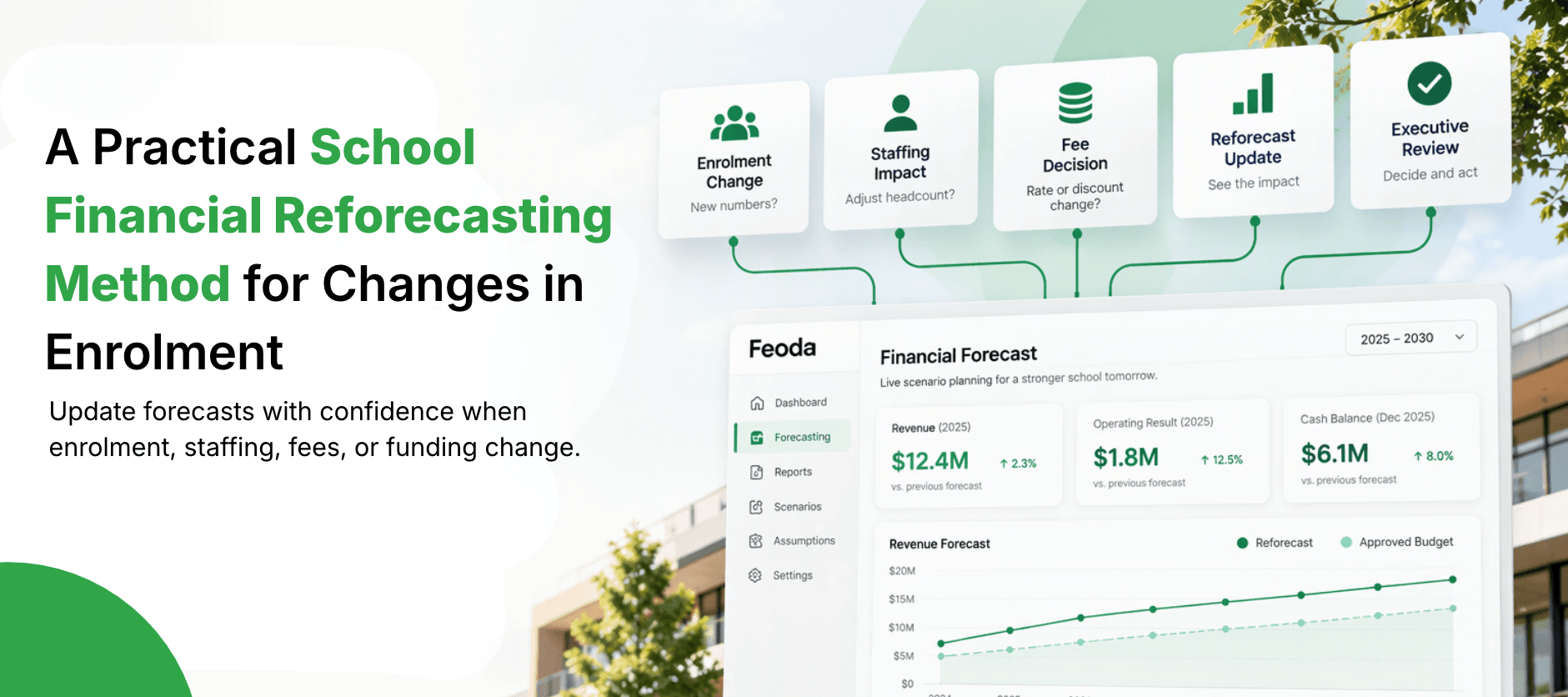
- ERPA Practical School Financial Reforecasting Method for Changes in Enrolment
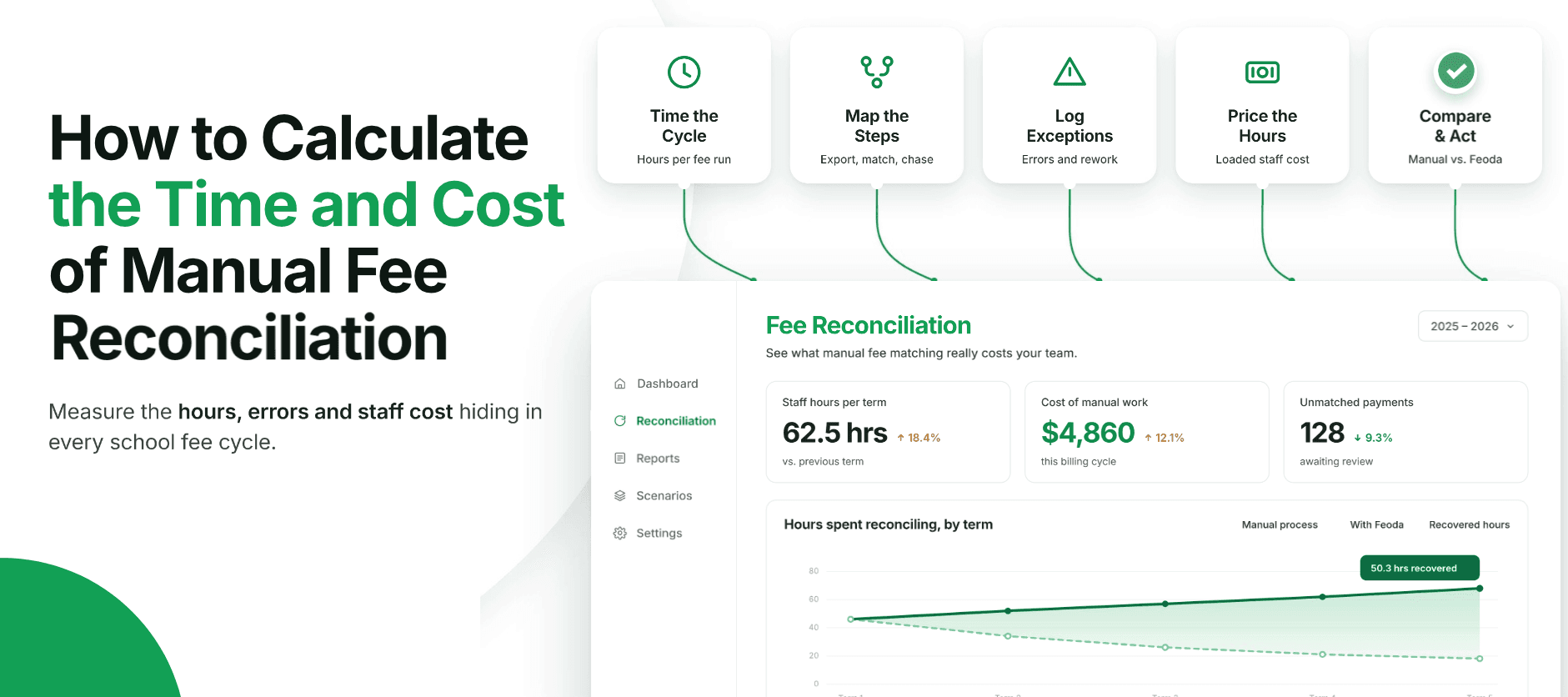
- ERPHow to Calculate the Time and Cost of Manual School Fee Reconciliation
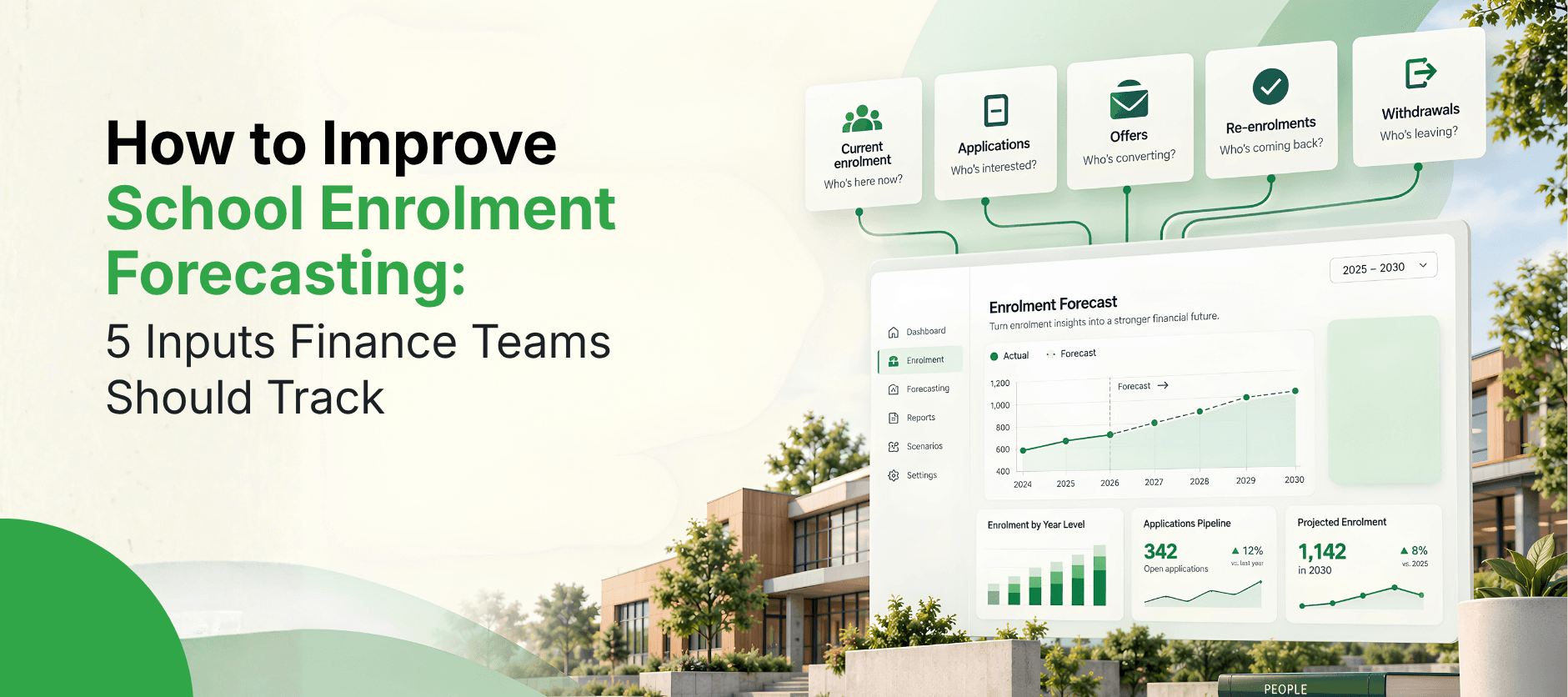
- ERPHow to Improve School Enrolment Forecasting: 5 Inputs Finance Teams Should Track
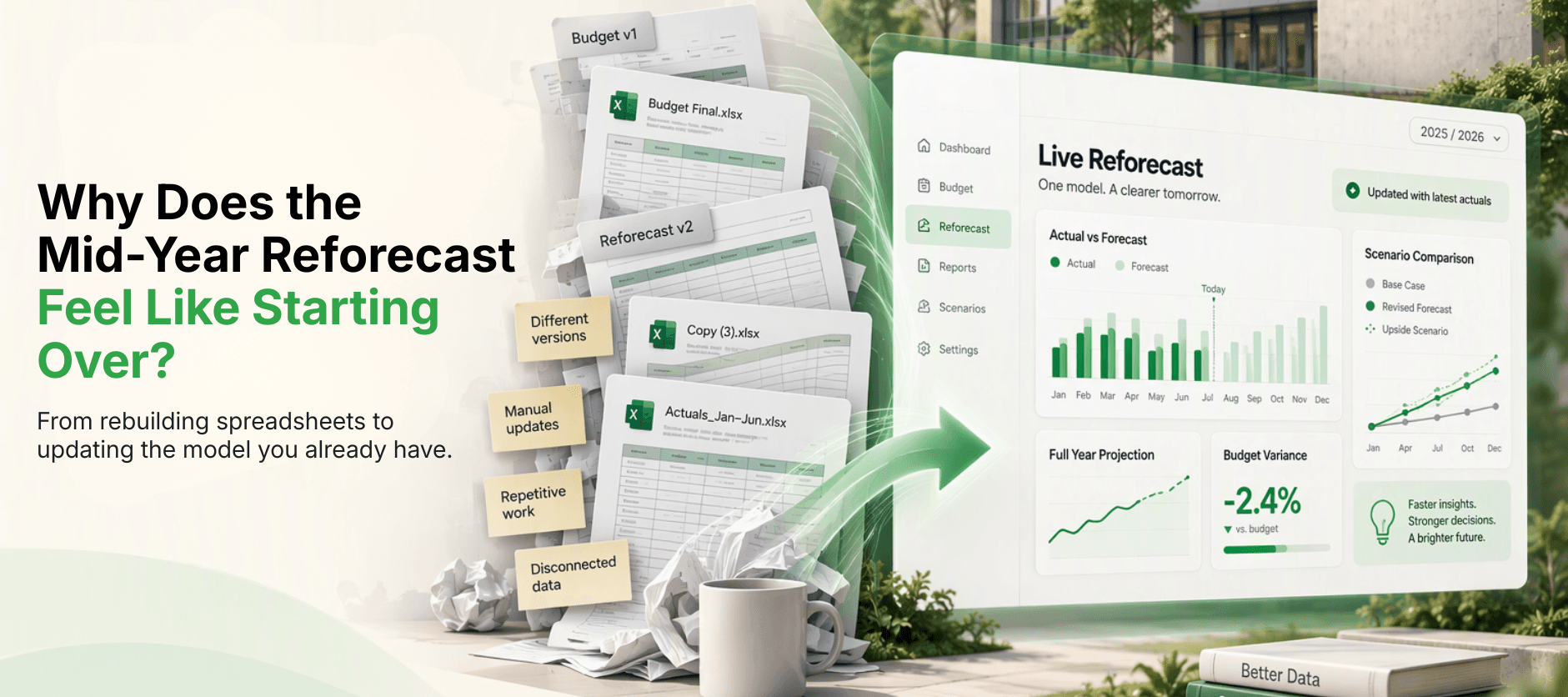
- ERPWhy Does the Mid-Year Reforecast Feel Like Starting the Budget Over Again?
- ERPWhat Does a School Board Actually Ask Before Approving Next Year's Budget?

- ERPHow Long Does It Typically Take to Implement Oracle NetSuite for a School or University?