ERP
Which Systems Streamline School Fee Billing and Collections?
A look at what actually speeds up fee billing and collections, from invoicing through to a reconciled bank statement.
November 20, 2026
Quick Answer
Fee billing and collections become faster when invoicing, payment plans and reminders run from the same system as the student and fee record, rather than being reconciled afterwards in a spreadsheet. The systems that streamline this the most connect billing directly to enrolment data, apply fee rules and discounts automatically, and match payments to invoices without a manual lookup. Look for a system that removes reconciliation work, not simply one that produces a better looking invoice.
Key Takeaways
- Fee billing speeds up most when it is connected to the student and enrolment record, rather than run as a separate exercise.
- Automatic fee rules, discounts and payment plan handling remove a large share of manual billing work.
- Matching payments to invoices, including gateway and bank reconciliation, is usually the hardest part to get right.
A payment arrives in the bank account with a reference that does not quite match any outstanding invoice. It might be a family paying for two children in one transfer, a payment gateway fee taken out before the funds land, or a reference typed slightly wrong. Someone on the business office team opens the bank statement, then the billing system, then a spreadsheet, to work out where it actually belongs.
What Actually Slows Fee Billing and Collections Down?
The invoice itself is rarely the slow part. Most of the time disappears afterwards, matching payments to invoices, chasing overdue accounts, and reconciling what the payment gateway reports against what actually lands in the bank. A system that only automates the invoice, and leaves the rest to a spreadsheet, moves the work rather than removing it.
What Should a Fee Billing System Automate?
| Area | What Good Looks Like | Why It Matters |
|---|---|---|
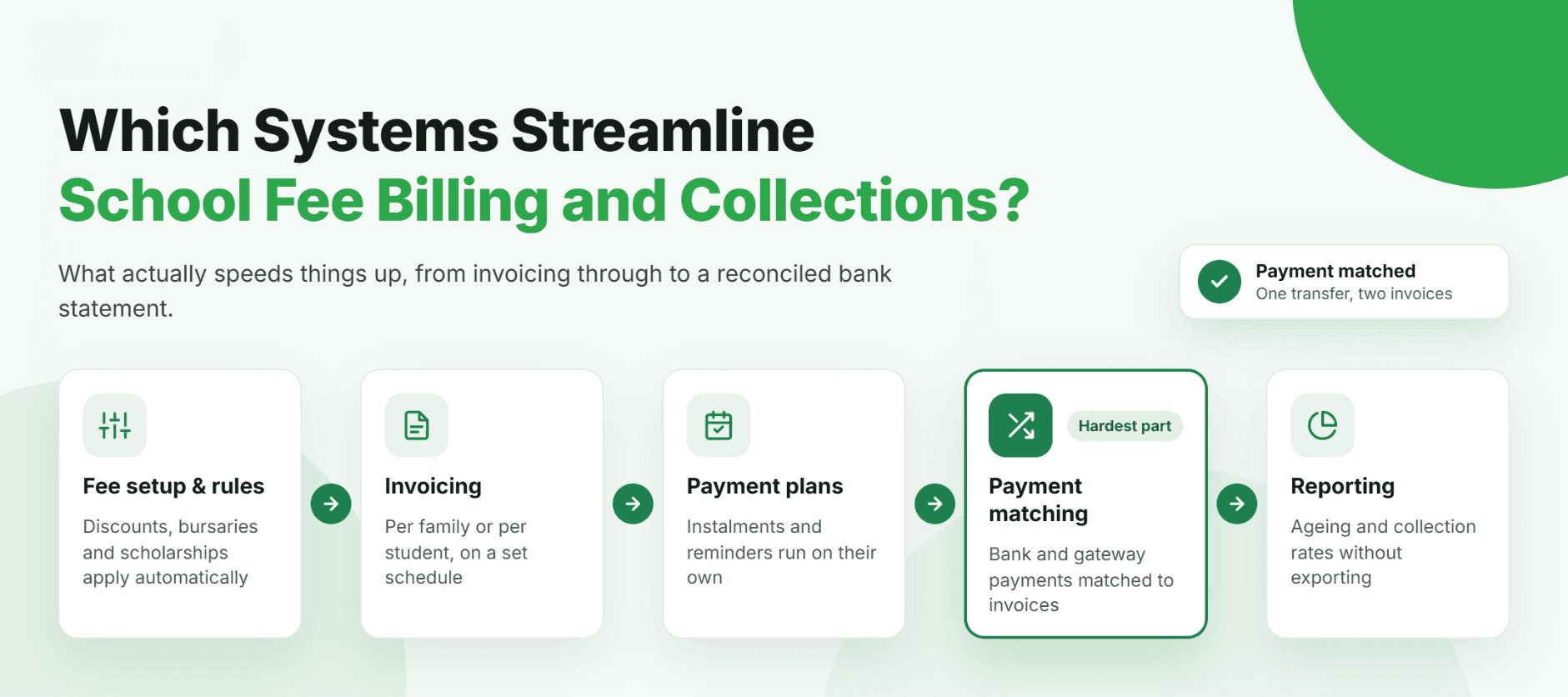
| Fee setup and rules | Fee categories, sibling discounts, bursaries and scholarships apply automatically by year level and student | Removes manual adjustment of individual invoices for every exception |
| Invoicing | Invoices and statements are generated per family or per student, on a set schedule | Reduces the manual work of producing and sending bills each term |
| Payment plans and reminders | Instalment plans and reminder schedules are set up once and run automatically | Collections work continues without the business office tracking each family manually |
| Payment matching and reconciliation | Payments are matched to invoices automatically, including gateway and bank matching | Removes the most time consuming manual step in the whole process |
| Reporting | Receivables ageing, collection rates and fee income by type are available without exporting to a spreadsheet | Gives finance and the Executive a current view without a manual report build |
Why Is Payment Matching the Hardest Part?
Payment matching is difficult because the amount that lands in the bank rarely matches the invoice exactly. A family may pay for two children in one transfer, a payment gateway may deduct a fee before settling funds, or a reference number may be entered incorrectly. None of this reflects anything going wrong, it reflects how payments actually arrive. A fee billing system that handles these cases automatically removes the part of the process that otherwise ends up in a spreadsheet.
Now Imagine a Payment Finding Its Own Invoice
Now imagine a payment landing in the bank and being matched to the right invoice automatically, including the case where it covers two children or arrives through a payment gateway with its own fee structure. Tenor, Feoda's fee billing, payments and receivables module built on Oracle NetSuite, is designed around exactly this part of the process, not just the invoice at the start of it.
Fee rules, discounts and payment plans are set up once, and the business office spends its time on the exceptions that genuinely need a person, rather than every payment that comes in.
Streamlining fee billing is less about a better looking invoice, and more about what happens after it is sent.
Frequently Asked Questions
Usually not the invoice itself, but the work that follows it: matching payments to invoices, chasing overdue accounts, and reconciling payment gateway totals against the bank.
Related Articles
- ERPThe Best Tools for School Financial Planning
- ERPThe Best Finance Platforms Built for Schools (And What to Look For)

- ERPA Practical School Financial Reforecasting Method for Changes in Enrolment
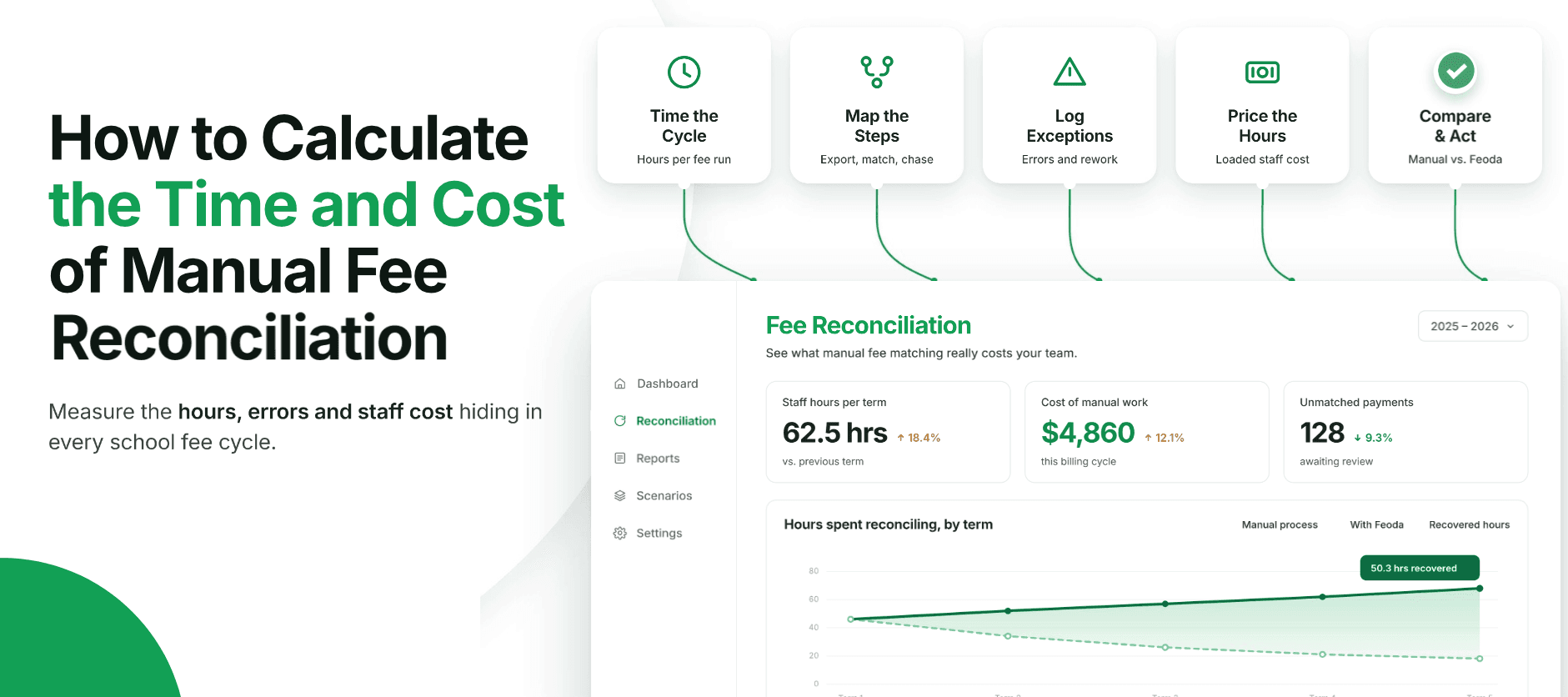
- ERPHow to Calculate the Time and Cost of Manual School Fee Reconciliation
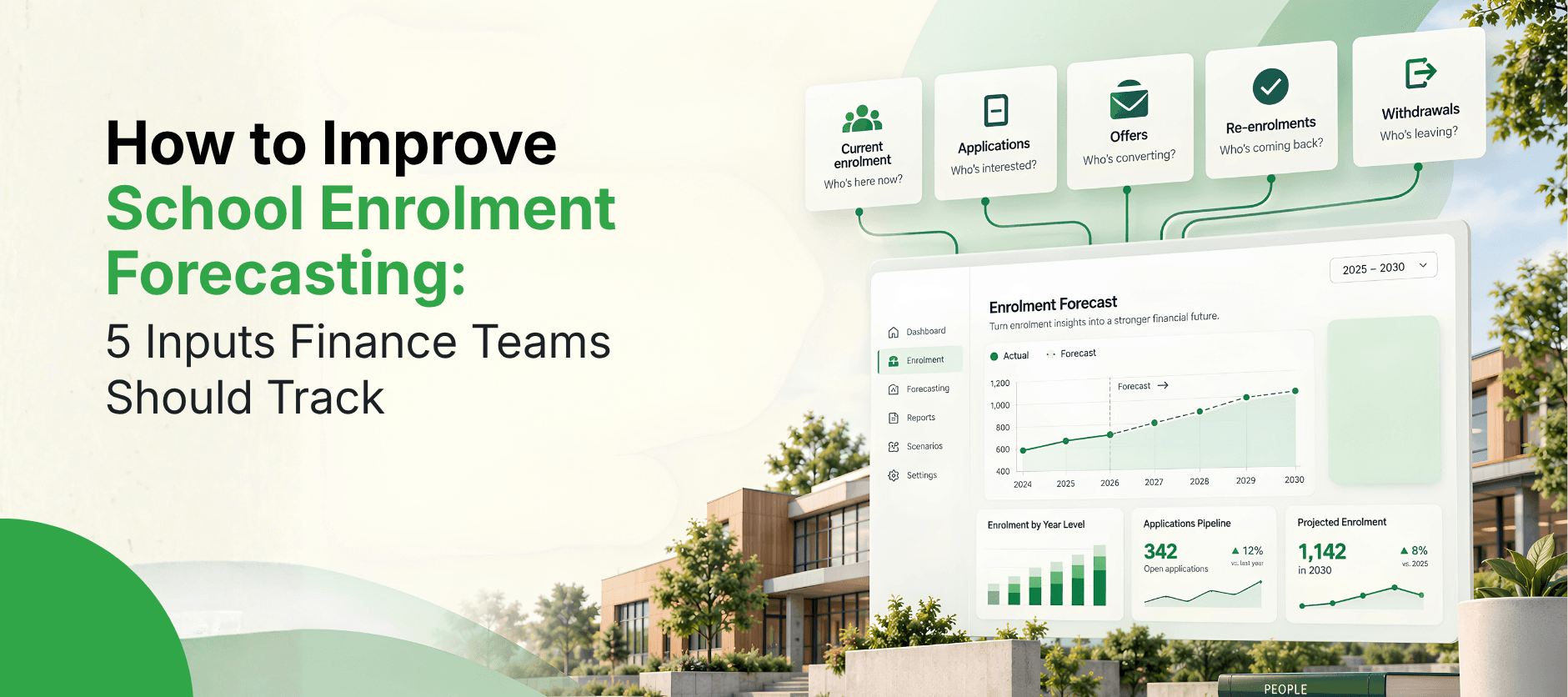
- ERPHow to Improve School Enrolment Forecasting: 5 Inputs Finance Teams Should Track
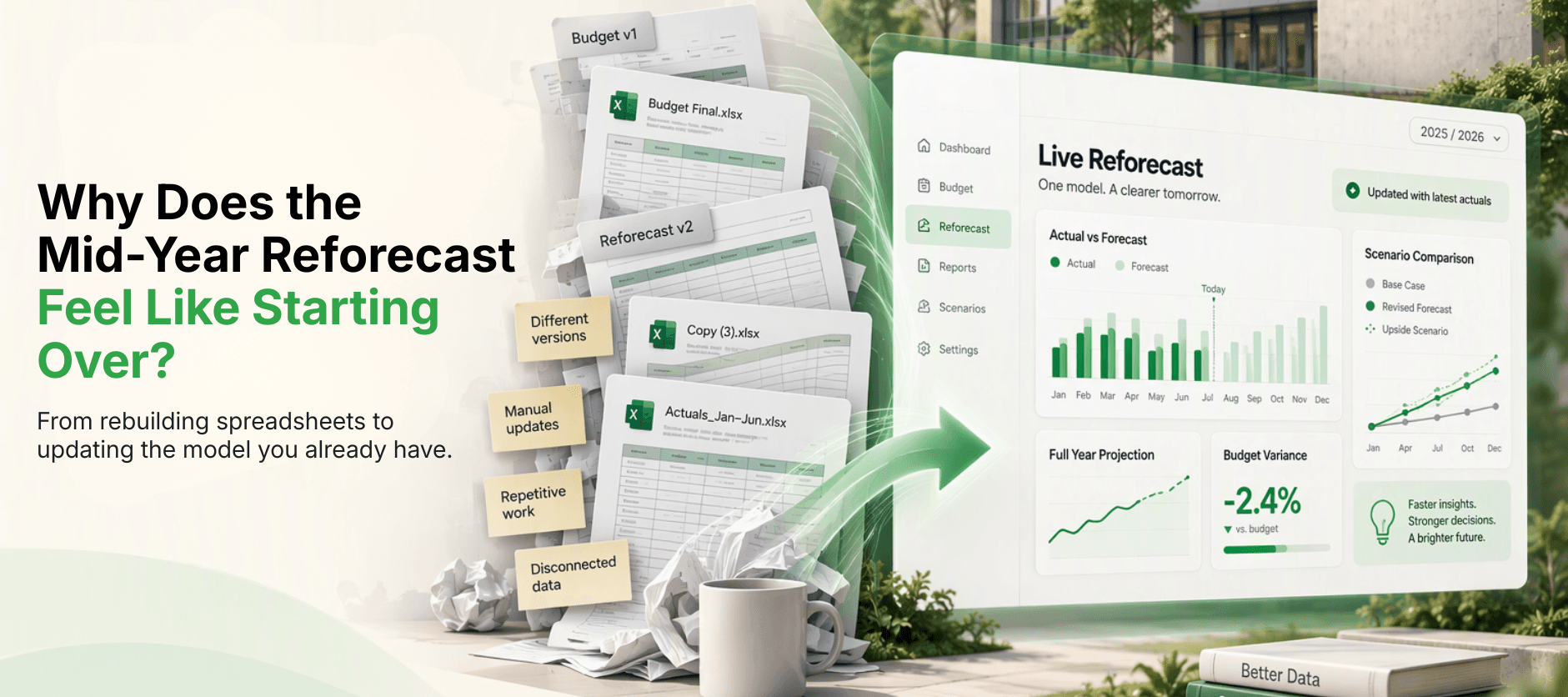
- ERPWhy Does the Mid-Year Reforecast Feel Like Starting the Budget Over Again?
- ERPWhat Does a School Board Actually Ask Before Approving Next Year's Budget?

- ERPHow Long Does It Typically Take to Implement Oracle NetSuite for a School or University?